
Data-Driven Decisions: Analytics and AI Tools for Small Business Marketing
Learn how to use Google Analytics, Search Console and AI tools to understand customers and make smarter marketing decisions.
WebWise Management
6/26/20267 min read
Data-Driven Decisions: How to Use Analytics and AI Tools to Improve Your Online Marketing
Why Data Matters for Small Businesses
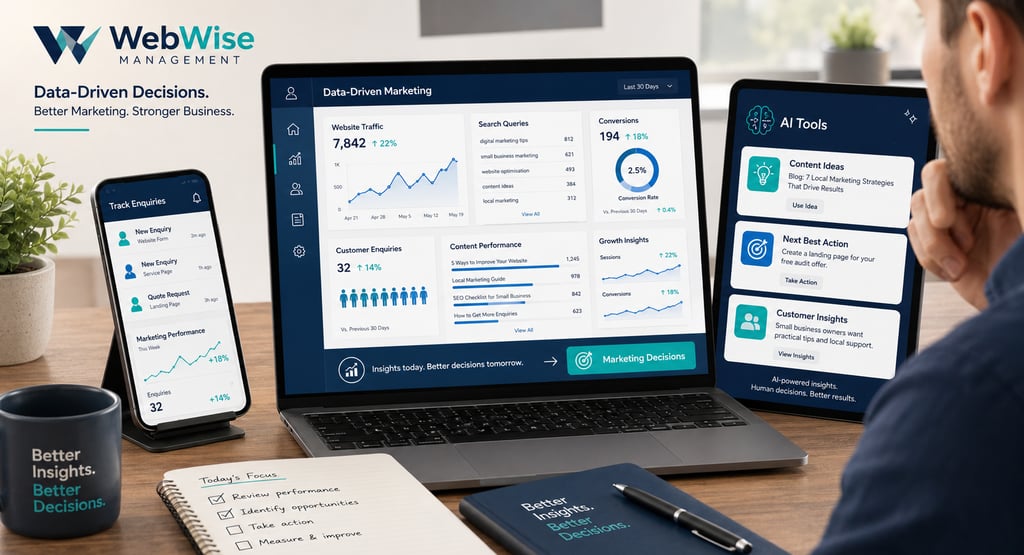
Data is not just for large companies with big marketing departments. Every small business with a website, Google Business Profile, social media page or online booking form already has useful information available. The challenge is knowing what to look at and how to turn it into better decisions.
Data-driven marketing means using real evidence instead of guesswork. Rather than asking, “What should we post?” or “Why are enquiries slow?” you can look at what customers are actually doing: which pages they visit, which search terms bring them in, which channels produce leads and where people drop off before contacting you.
For a small business, this can be powerful. It helps you spend less time on marketing that does not work and more time improving the things that do. A salon can see which service pages attract bookings. A plumber can see which emergency repair posts bring calls. A consultant can see which blogs lead people to the contact page. An e-commerce business can see where customers abandon the buying process.
AI adoption is also growing quickly, but the numbers vary depending on how “AI use” is defined. A 2026 small-business AI adoption summary, citing U.S. Census Bureau BTOS and SBA Office of Advocacy data, reports that 8.8% of small businesses used AI in producing goods or services as of August 2025, while 17.3% of all businesses used AI when broader business functions were included. The U.S. Chamber of Commerce reported a much higher figure for generative AI specifically: 58% of small businesses said they used generative AI in 2025, up from 40% in 2024 and 23% in 2023.
The lesson is simple: AI and analytics are no longer out of reach. Small businesses can use them in practical, affordable ways.
Key Metrics to Track
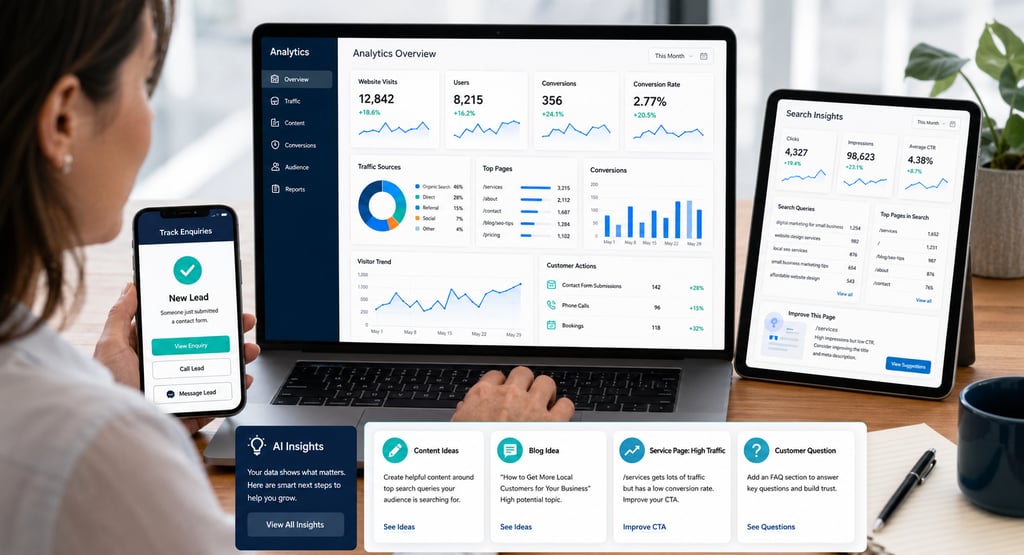
You do not need to monitor every number. In fact, too many metrics can make marketing feel more confusing. Start with the numbers that connect directly to visibility, interest and enquiries.
Website Traffic
Traffic shows how many people visit your website. But traffic alone does not tell the whole story. A thousand visitors who do nothing are less valuable than fifty visitors who request quotes.
Track total visits, but also look at which pages people visit most. Your homepage, service pages, blog posts, contact page and landing pages are especially important.
Traffic Sources
Sources show where visitors come from. Common sources include Google Search, Google Ads, Facebook, Instagram, email, referral links and direct visits.
This helps answer questions such as:
Is SEO bringing traffic?
Are social posts sending people to the website?
Are paid ads producing visits?
Are customers finding us through local search?
Which channels deserve more attention?
Conversions
A conversion is any action that matters to your business. For a local service provider, that might be a phone click, WhatsApp message, form submission or booking. For an e-commerce store, it might be a purchase or abandoned cart recovery.
Conversions are the most important part of small business analytics because they connect marketing to business results.
Top Pages
Your top pages show what people care about. If a blog post gets regular traffic, it may be a good topic to repurpose into social media posts, Google Business Profile updates or short videos. If a service page gets visits but no enquiries, it may need stronger copy, trust signals or calls-to-action.
Search Queries
Search queries show what people typed into Google before finding your site. This is useful because it reveals customer language. You may discover that customers search for “website help for small business” more often than your internal phrase “digital solutions.”
Introduction to Google Analytics and Search Console
Two free tools can give small businesses a strong foundation: Google Analytics and Google Search Console.
Google Analytics for Beginners
Google Analytics helps you understand what people do once they reach your website. Google describes Analytics as a tool that helps businesses understand how customers interact across websites and apps, uncover insights to improve ROI and take action to optimise marketing performance.
In practical terms, Google Analytics can help you see:
Which pages visitors view.
How long people stay.
Which channels send traffic.
Which campaigns lead to enquiries.
Which devices visitors use.
Which pages help customers convert.
For beginners, the most important step is to set up key events or conversions. Without this, you may see traffic but not know whether that traffic is producing business value.
Examples of useful conversion events include:
Contact form submission.
Click-to-call button.
WhatsApp click.
Booking button.
Newsletter sign-up.
Product purchase.
Quote request.
Google Search Console
Google Search Console focuses on how your website performs in Google Search. Google says Search Console helps measure search traffic and performance, fix issues and understand which queries bring users to your site.
Its Performance report includes clicks, impressions, click-through rate and average position. Google defines clicks as the number of times users clicked your site from search results, impressions as how often your site appeared, CTR as clicks divided by impressions and average position as the average position of your top result.
For small businesses, Search Console can answer important questions:
Which search terms bring visitors?
Which pages appear in Google?
Are impressions rising but clicks low?
Are important pages losing visibility?
Do customers search by service, problem or location?
Which blogs or service pages need improvement?
Used together, Google Analytics and Search Console show both sides of the journey: how people find you and what they do after they arrive.
The Rise of AI and Generative Tools
AI tools can help small businesses use data faster and more creatively. They should not replace judgement, but they can help you find patterns, generate ideas and turn insights into action.
For example, AI tools can help with:
Summarising website performance reports.
Turning customer questions into blog topics.
Creating first drafts of social captions.
Analysing review themes.
Generating FAQ ideas from search queries.
Brainstorming email subject lines.
Comparing landing page messaging.
Creating simple customer personas.
Repurposing one blog into multiple content pieces.
Industry adoption is moving quickly. The U.S. Chamber’s 2025 report found that 58% of small businesses used generative AI, more than double the 23% reported in 2023. ThoughtSpot’s 2026 AI analytics roundup also reports that 65% of organisations are using or actively exploring AI technologies in data and analytics, showing how closely AI and decision-making are becoming connected.
For small businesses, the opportunity is not to automate everything. It is to make better decisions with less overwhelm.
Real-World Examples: Using Data to Refine Marketing
Example 1: A Service Page Gets Traffic but No Enquiries
A local electrician sees in Google Analytics that the “emergency electrical repairs” page receives steady visits, but very few people click the phone button.
The fix may not be more traffic. The page may need:
A clearer headline.
A stronger “Call Now” button.
Visible service areas.
Emergency availability information.
Reviews near the top.
Faster mobile loading.
FAQs about response times.
Data shows where the issue is. Copywriting and design fix the experience.
Example 2: Search Console Shows High Impressions but Low Clicks
A salon sees that its “balayage Cape Town” page appears often in Google Search but has a low click-through rate.
This may mean the page title or meta description is not compelling. A better title could include the service, location and benefit:
“Balayage in Cape Town: Natural Colour Blending by Expert Stylists”
The page may already have visibility. The opportunity is to improve the search result so more people click.
Example 3: Blog Topics Come From Real Search Queries
A property service company checks Search Console and sees impressions for queries such as “how often should empty holiday homes be checked” and “holiday home inspection checklist.”
Those queries can become blog posts, FAQs, social content and Google Business Profile posts. Instead of guessing what to write about, the business uses search data to create content customers already want.
Example 4: AI Summarises Review Themes
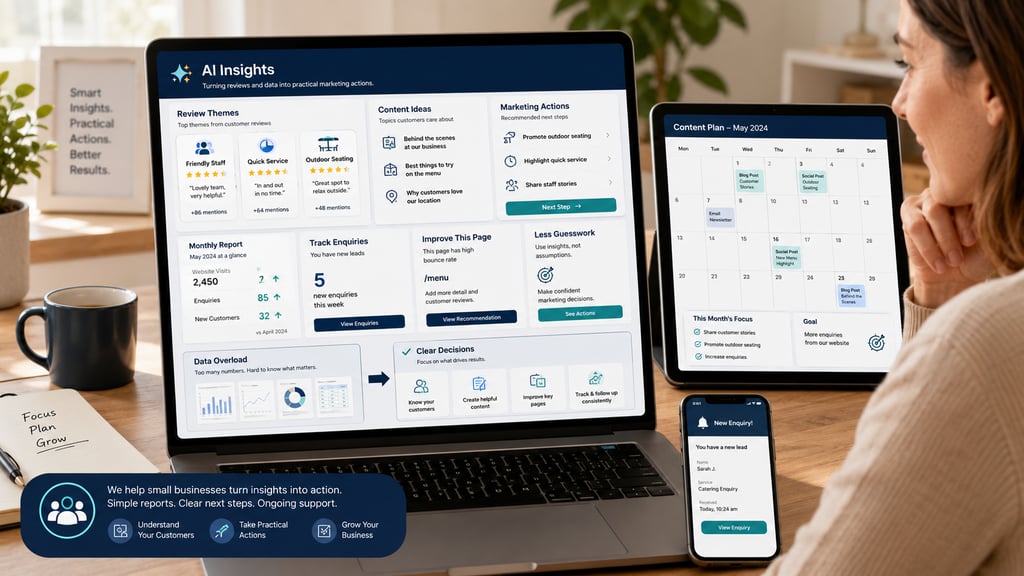
A local restaurant exports recent customer reviews and uses an AI tool to identify common themes. The summary shows that customers often mention friendly staff, quick service and outdoor seating.
The restaurant can use those themes in marketing copy, social captions, website content and Google Business Profile posts. It can also spot complaints, such as slow weekend service, and improve operations.
Avoiding Analysis Paralysis
The biggest mistake small businesses make with analytics is trying to track everything at once. This leads to confusion and inaction.
A better approach is to choose a small number of questions each month.
For example:
Which marketing channel produced the most enquiries?
Which service page needs improvement?
Which blog post attracted the most search traffic?
Which search terms show customer intent?
Which social posts drove website visits?
Are mobile visitors converting?
Are paid ads leading to enquiries or just clicks?
Then take one or two actions based on the answers.
Data is only useful when it leads to a decision. A report that sits unread in an inbox does not improve your marketing. A simple insight acted on quickly can.
Practical AI Tools for Marketing
Small businesses can use AI tools in practical ways without overcomplicating their workflow.
Content Planning
Use AI to turn customer questions, Search Console queries and service topics into blog outlines or content calendars.
Social Media Repurposing
A blog post can become captions, short video scripts, FAQs, email content and Google Business Profile posts.
Customer Insight
AI can help summarise reviews, enquiries and feedback to identify common customer concerns.
Reporting
AI can help explain analytics data in plain language, especially when business owners feel overwhelmed by charts and terminology.
Email and Campaign Ideas
AI can generate subject line options, promotional angles and follow-up messages based on your services.
The important rule: always review AI output. Check facts, add your own expertise and make sure the content sounds like your business.
How WebWise Management Can Set Up and Manage Your Analytics
Analytics and AI are only helpful when they are set up properly and connected to business goals. Many small businesses have Google Analytics installed but no conversion tracking. Others have Search Console but never check it. Some use AI tools but do not connect the output to a real marketing strategy.
WebWise Management can help by setting up and managing the foundations:
Google Analytics setup.
Google Search Console setup.
Conversion tracking.
Website traffic reporting.
Search query analysis.
Blog and content recommendations.
Service page performance reviews.
AI-assisted content planning.
Monthly marketing insights.
Practical training for business owners.
Website improvement recommendations.
The goal is to make data understandable and useful. You do not need a dashboard full of complicated charts. You need clear answers: what is working, what is not and what should improve next.
Final Thoughts
Data-driven marketing is not about becoming obsessed with numbers. It is about making smarter decisions.
Small businesses can use Google Analytics to understand customer behaviour, Search Console to see how they appear in Google and AI tools to turn insights into content, campaigns and improvements. The businesses that learn to use these tools calmly and consistently can waste less time, reduce guesswork and make their marketing work harder.
Data is not just for big companies. It is for any business owner who wants to understand customers better and grow with more confidence.
Need help setting up analytics, tracking enquiries or using AI tools in your marketing? Contact WebWise Management for analytics setup, reporting and consultation services that turn your website data into practical growth decisions.
Contact
Reach out anytime for personalized support.
Email:
Phone:
+27 72 709 7557
© 2026. All rights reserved.